Log in
Feed Map Add Layer Discover Channels The Almanac
Get the app

LifeLayers,
in your pocket.

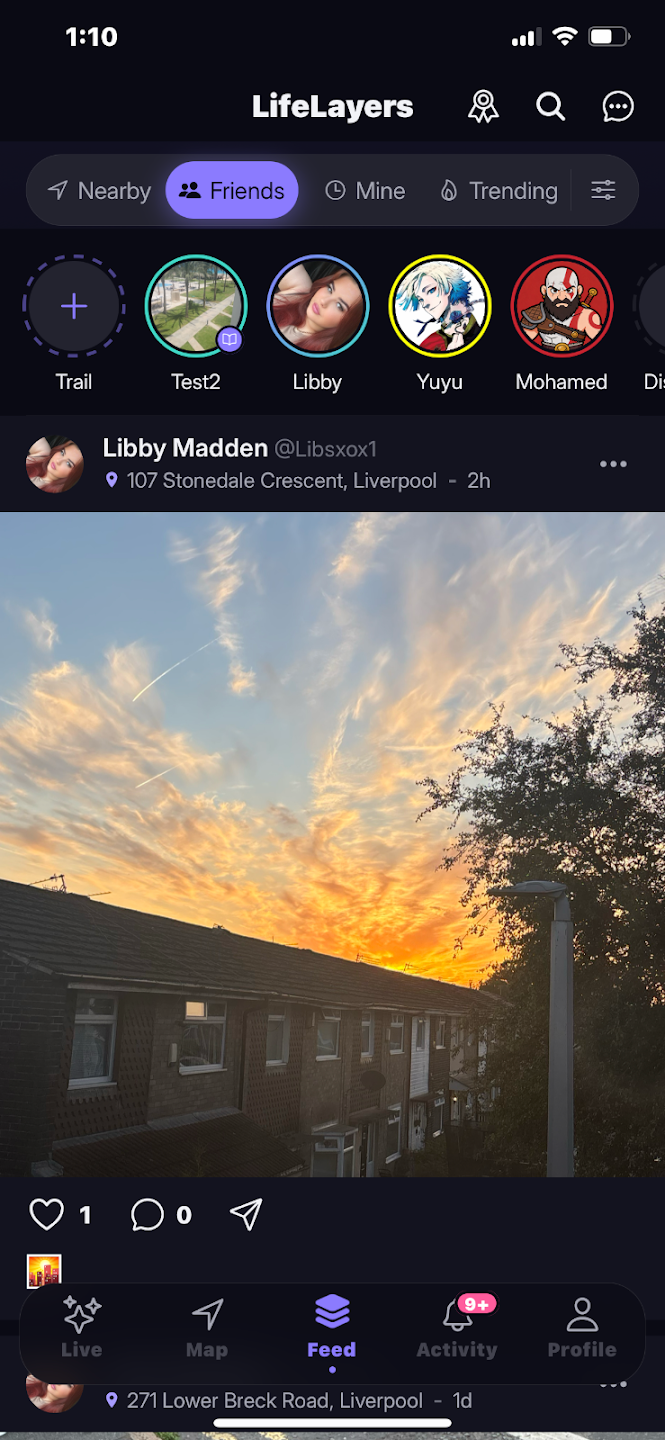
Drop a layer at the exact spot you’re standing, explore a living map of the people and places around you, and see it all in AR. Free, ad-free, and the same account you already use on the web.

Scan to open on your phone
Point your camera here — it’ll bring you right back to this page.
Free forever No ads No tracking

One account — use it on the web and the app at the same time.
LifeLayers app screen
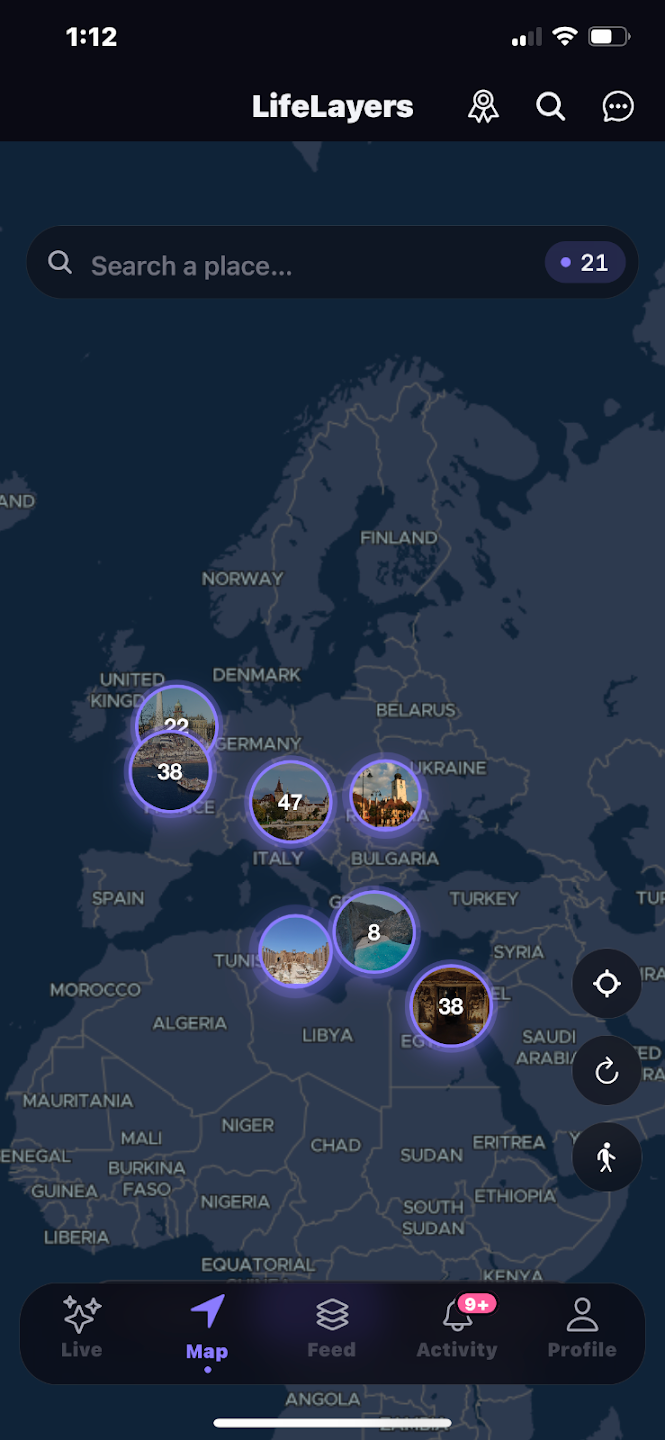
LifeLayers app — the map
LifeLayers app screen
On the app

Built for the moment you’re in.

The web is great for browsing. The app is for being there — phone in hand, standing in the place itself.

Only on the app

Drop a layer right where you’re standing.

A photo, a video, a note, a poll, a drop — pinned to the exact spot under your feet. It’s the one thing the web can’t do, because it needs your phone’s real GPS.

  • Pinned to your exact location
  • Photos, video, polls & drops
  • You choose who can see it
Drop a layer right where you’re standing.
Stay close

Messages, voice notes, and calls.

Pull up a conversation without leaving the map. Voice notes, snaps, reactions and swipe-to-reply — plus voice and video calls over WebRTC for when text isn’t enough.
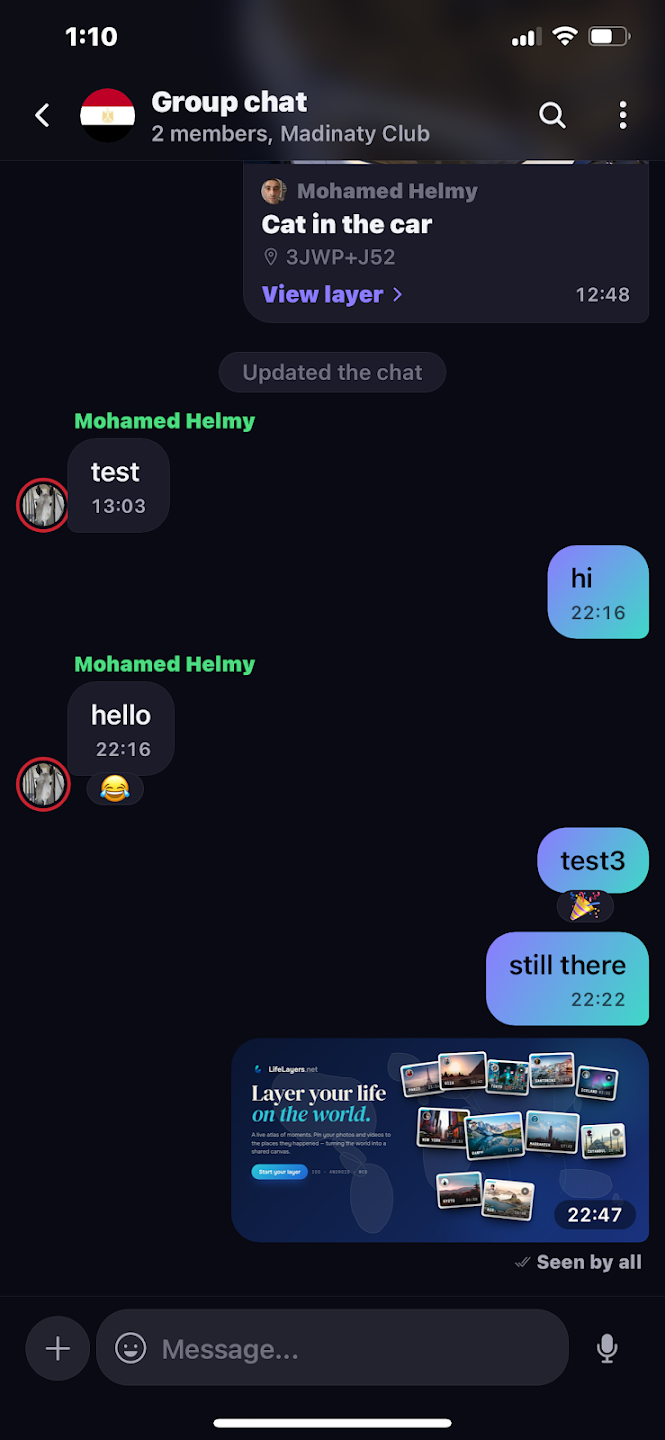
  • Voice notes, snaps & reactions
  • Swipe to reply, edit, forward & pin
  • Voice & video calls, live presence
Messages, voice notes, and calls.
Augmented reality

Hold your phone up. There they are.

Point your camera down the street and the layers around you rise into real space — stories left exactly where they happened, waiting for you to walk up to them.
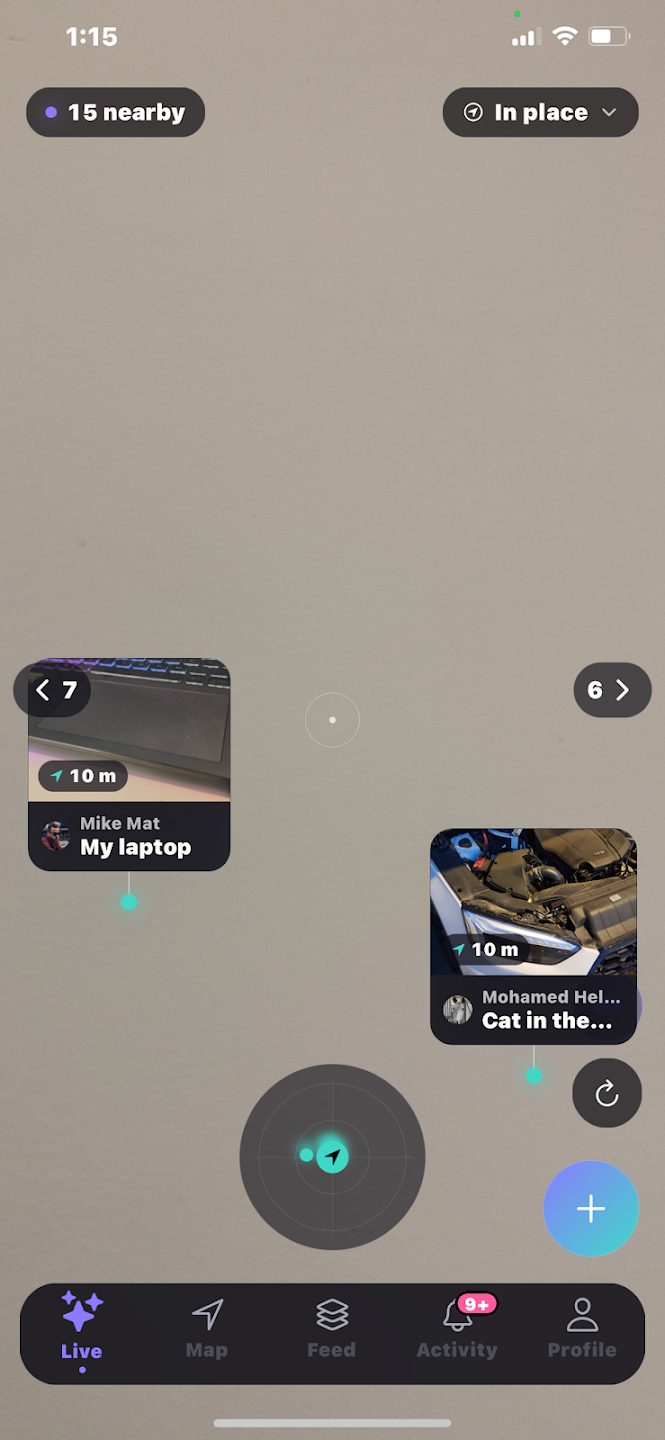
  • See nearby layers in AR
  • Walk toward what catches your eye
  • Works anywhere you go
Hold your phone up. There they are.
The living map

A map that’s actually alive.

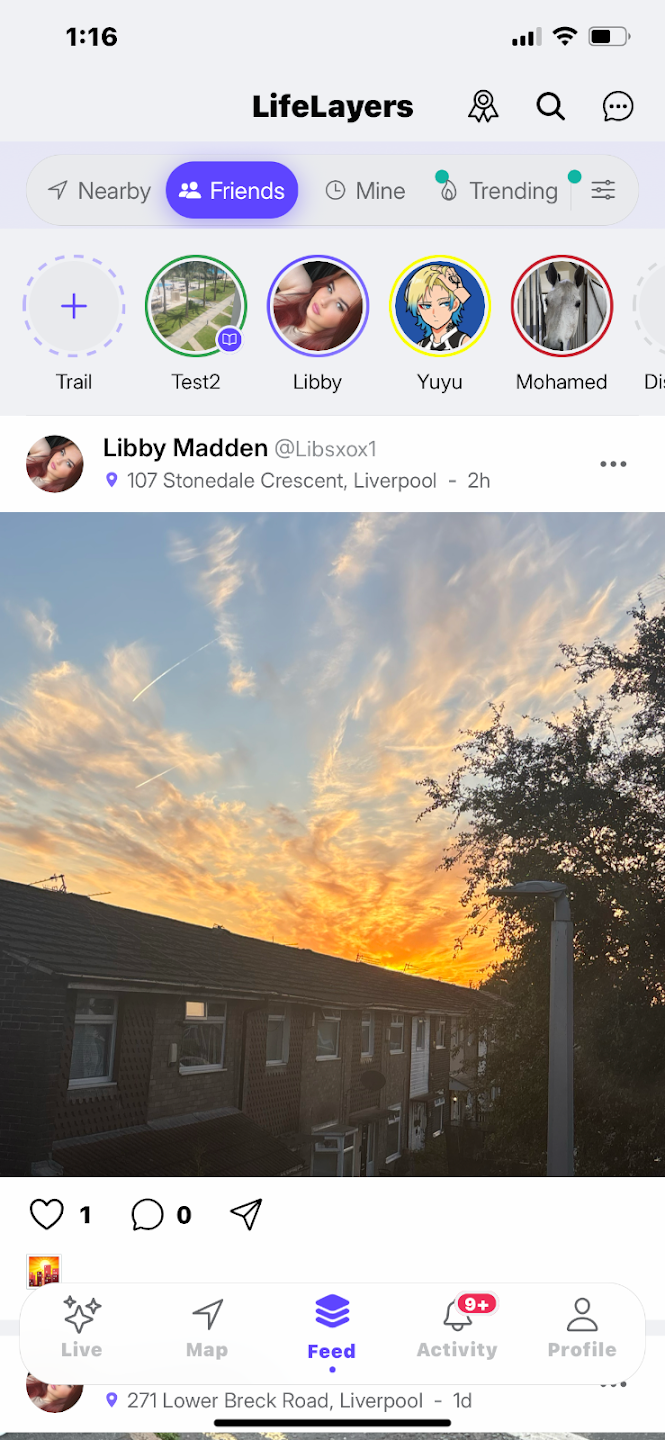
Live presences and channels show who’s out and what’s unfolding nearby. Follow Trails that thread places together, and scroll a feed that stays in order — friends, following, nearby and trending, with no algorithm deciding for you.
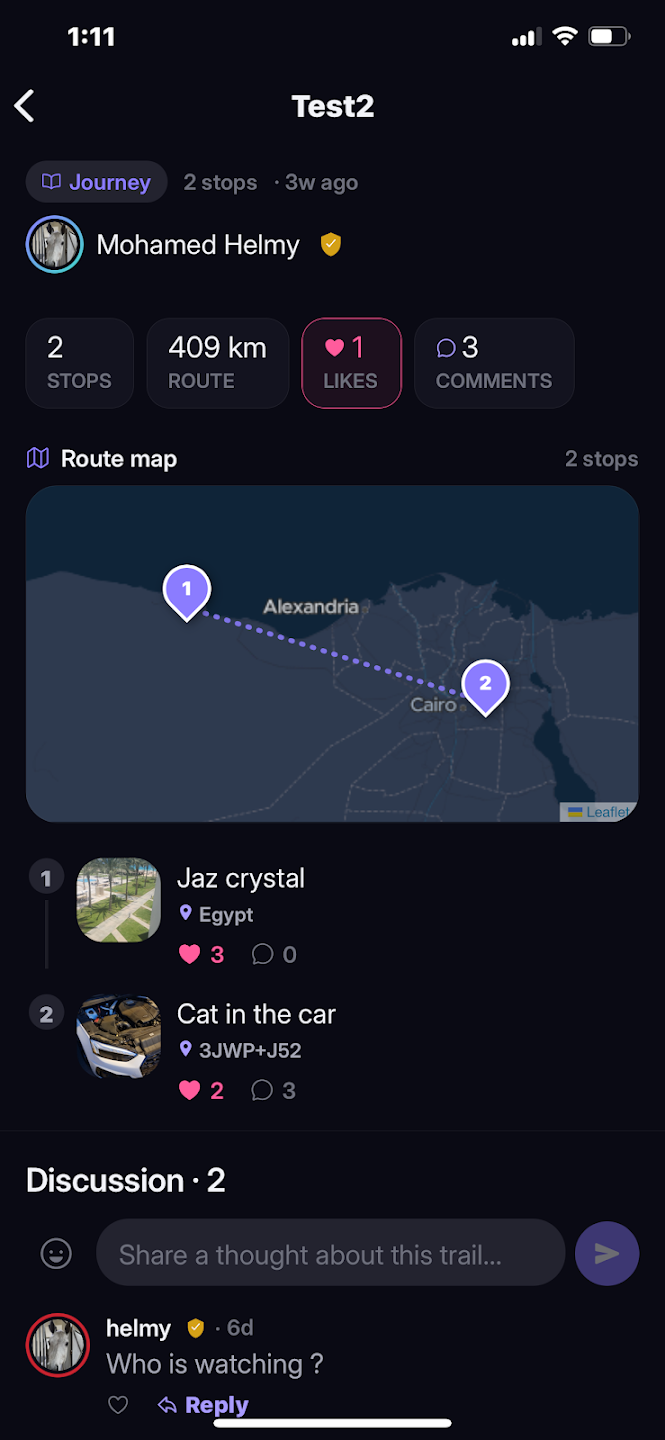
  • Live presences & channels nearby
  • Trails that link places together
  • A feed with no algorithm
A map that’s actually alive.
Explore & play

Collect the world in the Almanac.

Every place you visit fills the Wayfarer’s Almanac — a living logbook of where you’ve been, with ranks to earn and chapters to unlock. Then test your sense of direction with Bearings, the game that turns navigation into a challenge.
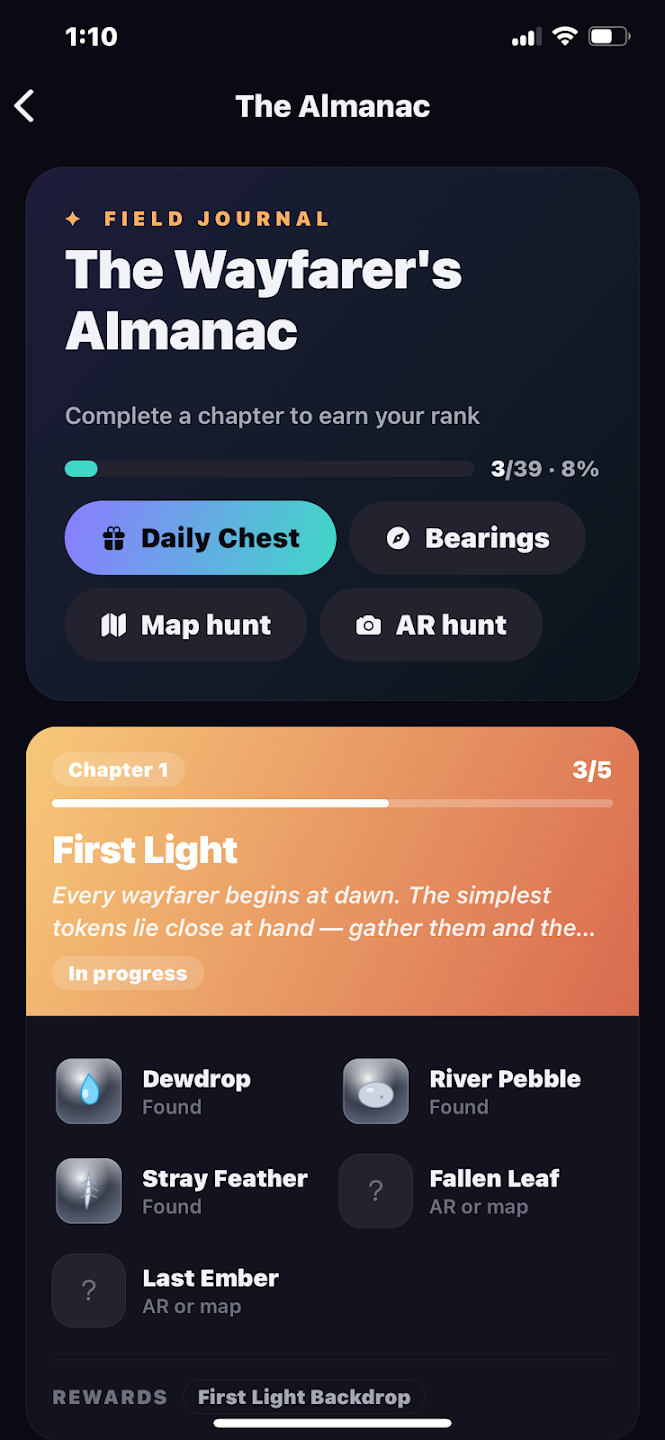
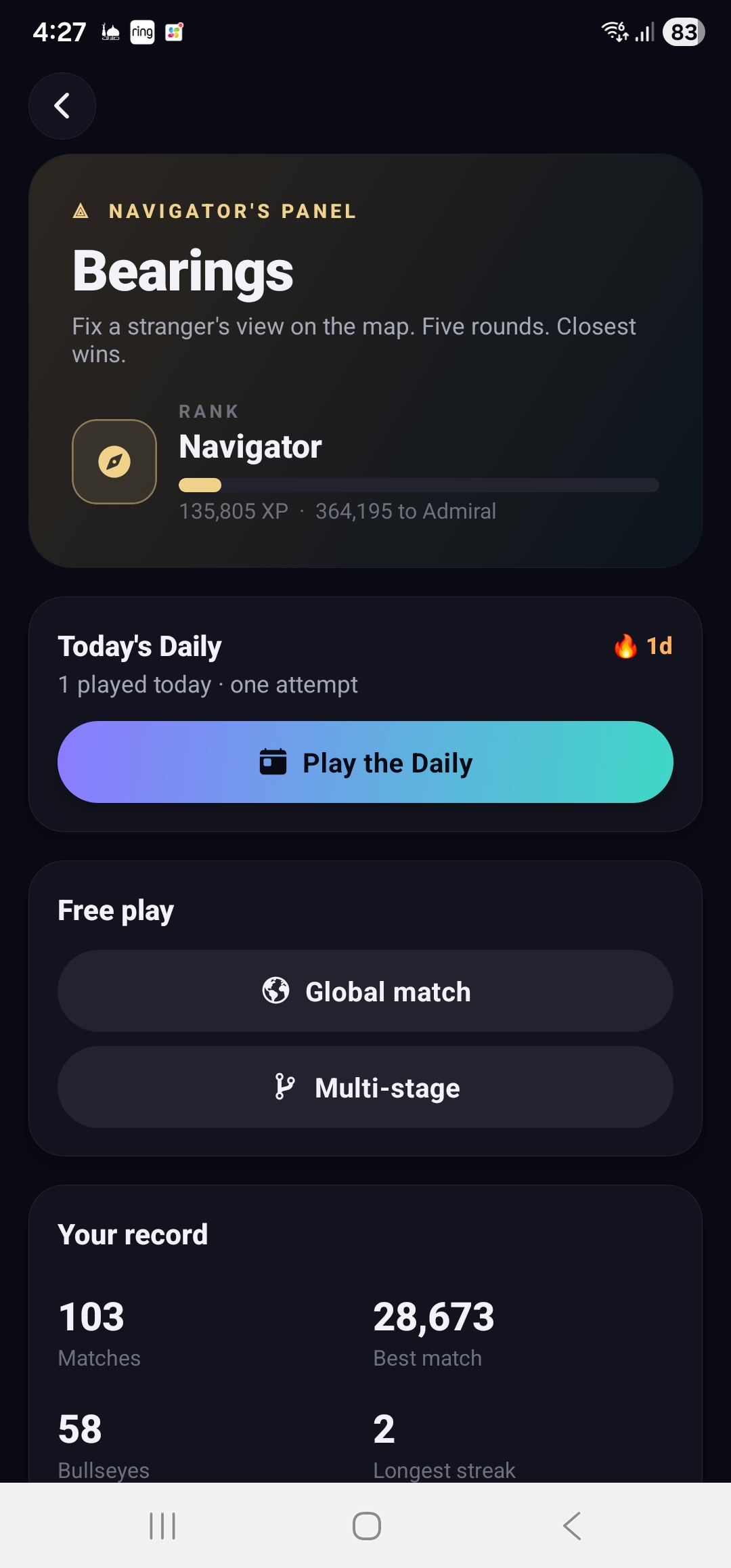
  • Fill the Almanac as you explore
  • Earn ranks & unlock chapters
  • Play Bearings — test your navigation
Collect the world in the Almanac.
Download

Get it on your device.

Android is live now. iPhone & iPad are in open beta through TestFlight while we finish App Store review.

Available now

iPhone & iPad

iOS 15.0 or later

We submit to Apple once the Android release clears Google Play review. iOS is fully built and tested — we just have to wait our turn.

Step by step

Getting installed.

Android · APK

Installing the Android APK

  1. Tap the download button on your Android phone (on the phone itself, not a computer — you want the file there).
  2. Open the file from your Downloads notification, or in your file manager under Download.
  3. Android warns it's from outside Play Store. Tap Settings in that prompt, toggle "Allow from this source", and go back.
  4. Tap Install, wait a few seconds, then Open. You're in.

Why the extra step? Android enables non-Play-Store apps per-source — it's a one-time toggle that applies only to this APK, nothing else changes on your phone. Once Google Play approves us, uninstall the APK build and switch to the Play Store version for automatic updates.

Web vs app

What works where.

Almost everything works in both. The one exception is posting a layer — that needs real GPS, which means the phone.

Feature
Web
App
Browse the mapDiscover layers worldwide
Read your feedFriends, following, trending, nearby
Add a layerNeeds your real GPS location
Edit your profileBio, avatar, privacy settings
MessagesDirect chats, stickers, media
Push notificationsNew messages, requests, mentions
AR view of nearby layersHold your phone up, see them in space
Questions

Good to know.

Yes — free forever. No ads, no subscriptions, and we don’t sell your data. LifeLayers makes its money elsewhere; the app stays clean.
It’s the same build we’ll ship to Google Play. The one-time "unknown sources" prompt is Android’s standard step for any app installed outside the Play Store — there’s a full walkthrough above.
No. The same account works on the web and the app at the same time — sign up wherever’s easiest and just log in.
Android 8.0 (Oreo) and later, and iPhone or iPad on iOS 15.0 and later.
Nothing in features — the TestFlight beta is the same app. When the App Store listing is approved, you can switch to the public version anytime.
Almost entirely. Everything works on the web except posting a layer, which needs your phone’s real GPS, and the AR view. See what works where above.

Ready when you are.

Grab the app, or create an account on the web first — either way, you’re in. The same login works everywhere.

Prefer to stay in the browser? LifeLayers runs fully on the web, too — open the map.